🔑 MiixKey Main Menu and Hardware
📱 Main Menu
The main menu is displayed when the device is unlocked. It provides access to all major functions of miixkey.
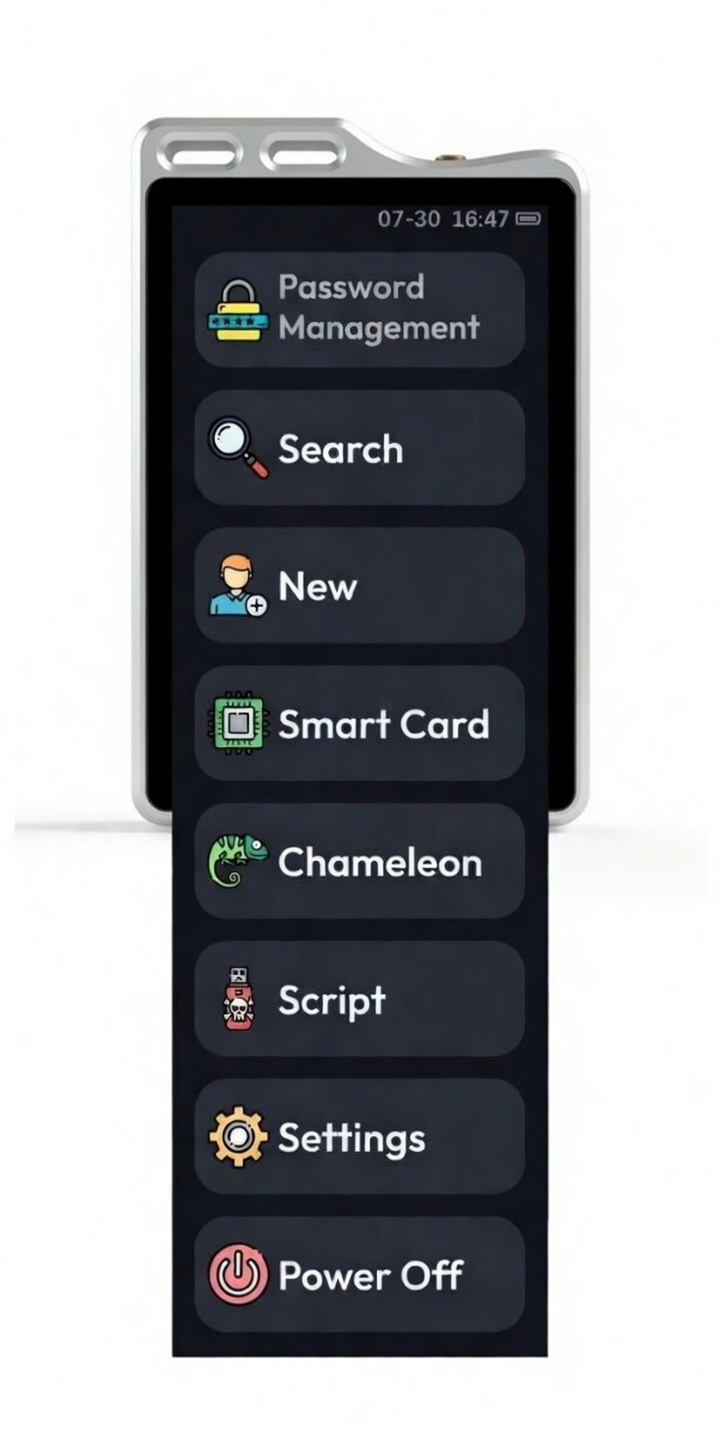
📊 Status Bar
- Displayed when the Bluetooth input function is turned on; highlighted when Bluetooth is connected.
- RSS icon represents Chameleon 😁.
- Refresh icon indicates that the password database is loading.
- Time Time Synchronization
Time can be set manually in the settings.
Note: If you are not using Windows 11 and cannot synchronize automatically, you can save the command as a script file, or save it in the password database for quick input.
⏻ Power Button Functions
When Powered via USB
- Short press: Lock the screen.
- Long press (2 seconds): Reboot the system.
- Very long press (10 seconds): Force restart (use when the system is unresponsive).
When Running on Battery
- Short press: Enter standby mode.
- Long press (2 seconds): Enter standby mode.
- Very long press (10 seconds): Force restart.
🔌 Type-C Interface Specifications
Supports the following protocols and functions:
- Basic specification: USB 2.0
- Supported protocols:
- HID (Human Interface Device)
- CCID (Chip/Smart Card Interface Device)
- MSC (Mass Storage Class)
- NCM (Network Control Model)
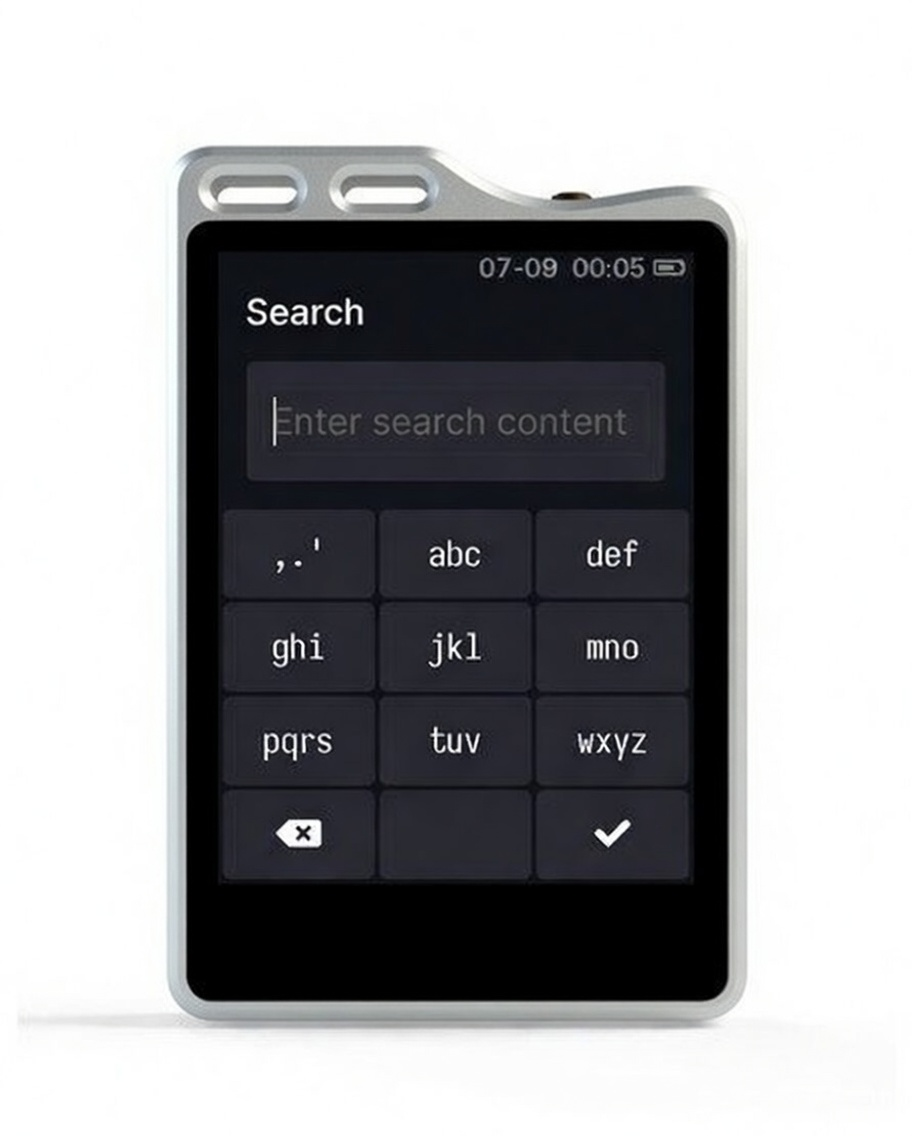
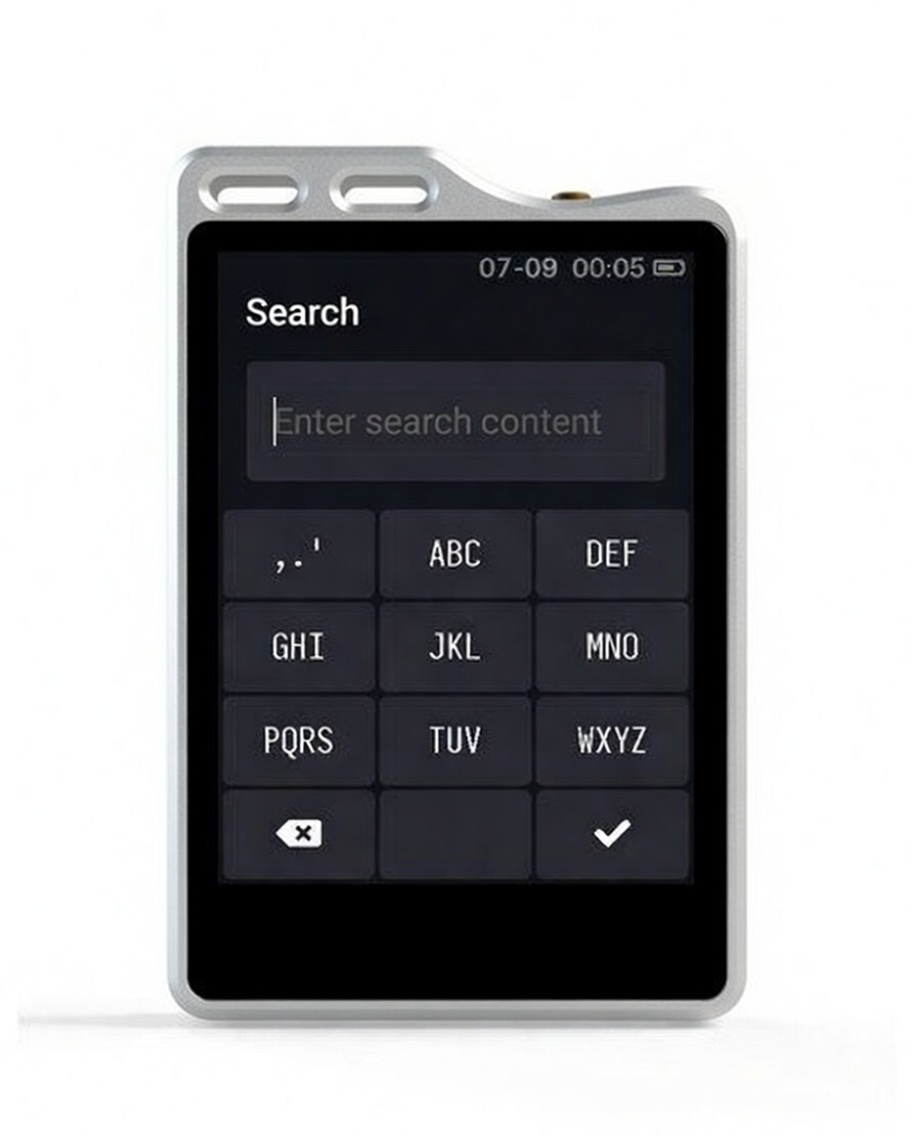
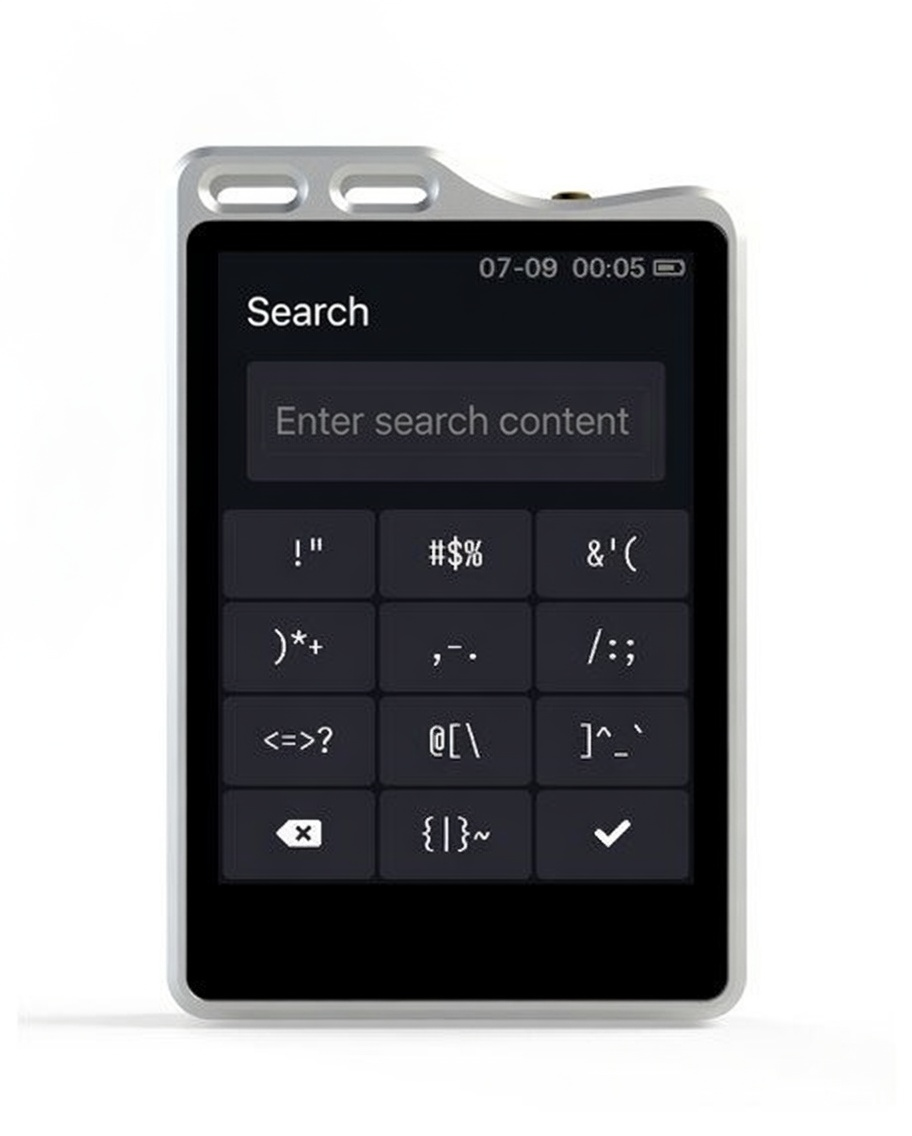
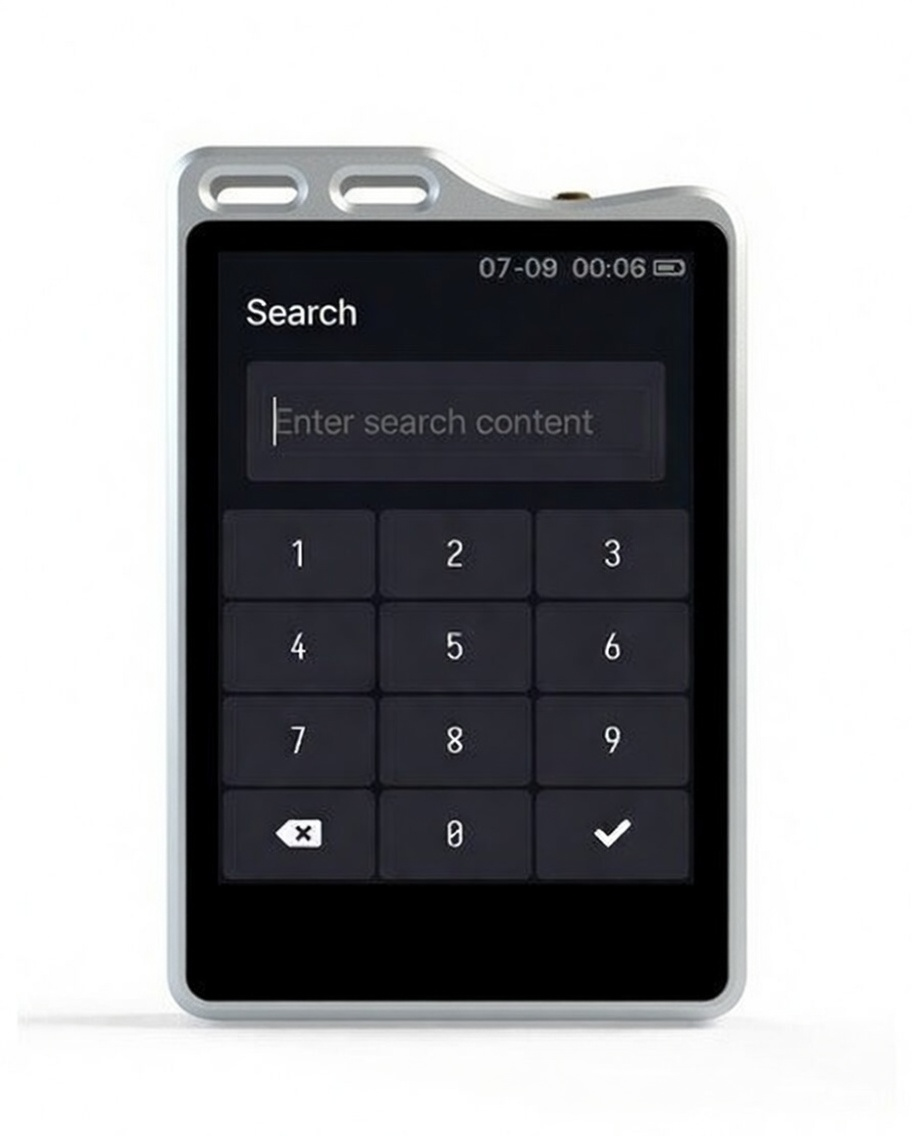
⌨️ Input Method
- Short press the confirm key: Confirm input.
- Long press the confirm key: Switch keyboard.
- Short press the delete key: Delete one character.
- Long press the delete key: Clear the input field.
- Long press on a letter or symbol key to quickly input numbers.
- Press the abc key once to input a.
- Quickly press the abc key twice to input b.
Input method keyboard layouts:
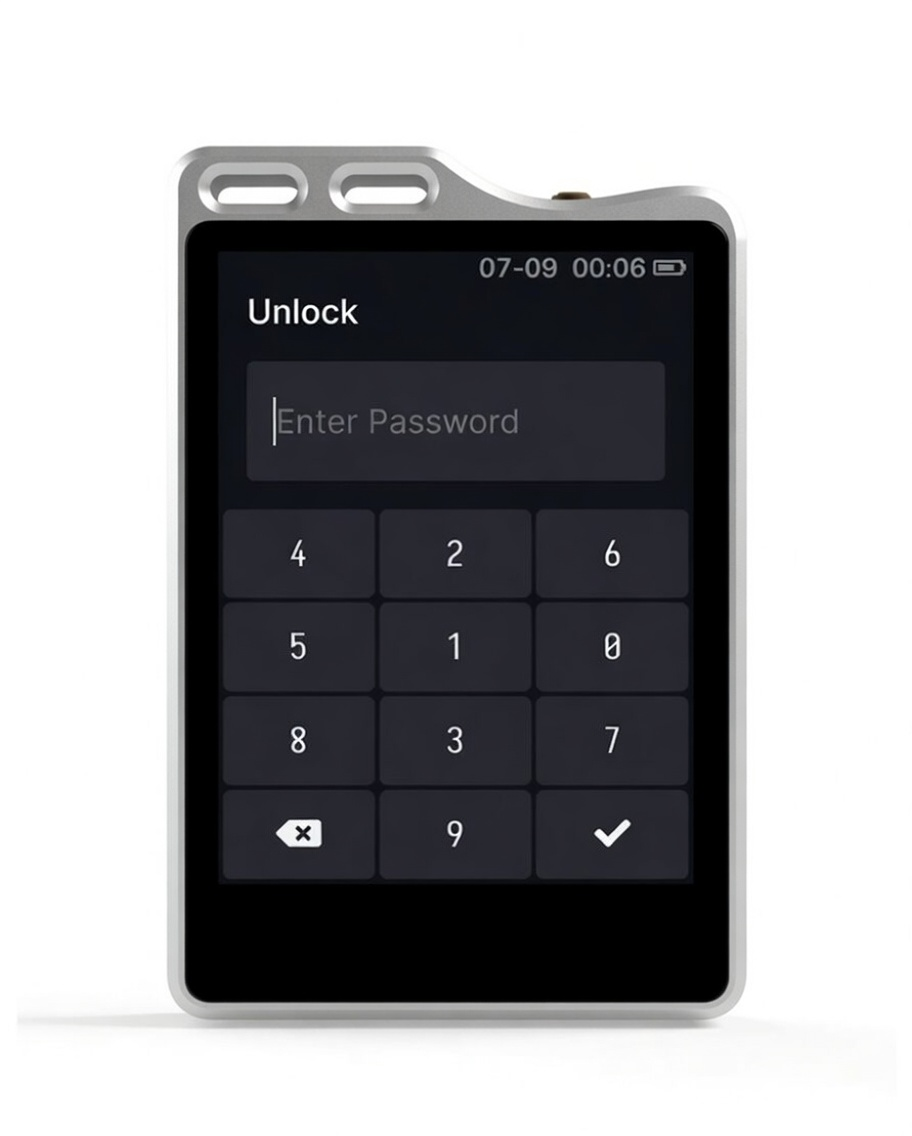
🔢 PIN Keyboard
- The PIN keyboard is a random dynamic keyboard.
- PIN supports digits, letters, and symbols.
- Maximum PIN length is 64 characters.
- After the number of incorrect PIN attempts reaches the set limit, the device will perform a factory reset (whether data is cleared depends on your settings).
- Two consecutive incorrect PIN entries will automatically lock the screen. After that, every incorrect entry will lock the screen.